How to Set Up Sticky Messages on Discord
Ultima actualizare: 9 iunie 2026
NoteIf you prefer a video tutorial, there's a YouTube video that explains how to set up sticky messages.
Add Noctaly to Your Discord Server
- Go to the Dashboard , and login to your Discord account, if needed.
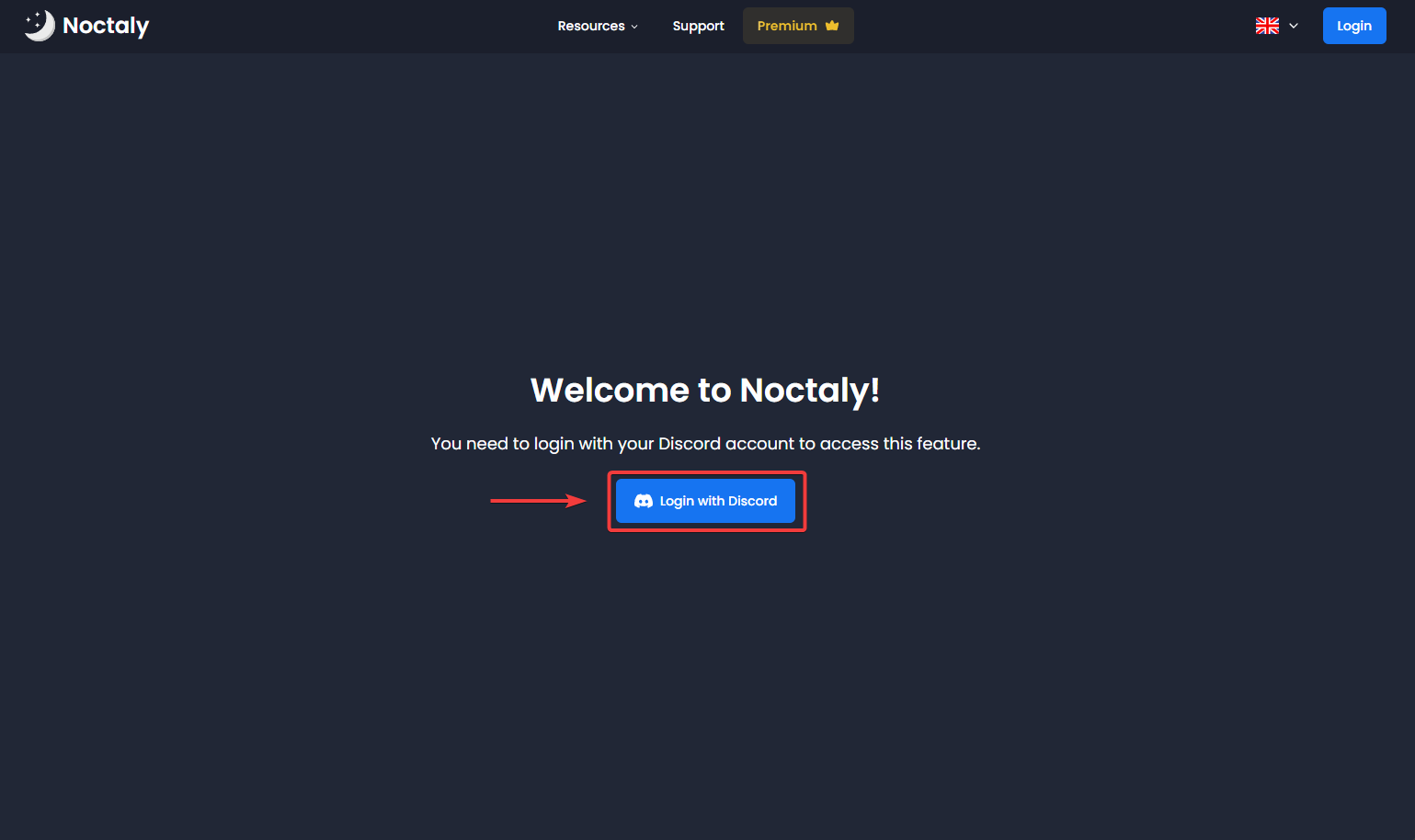
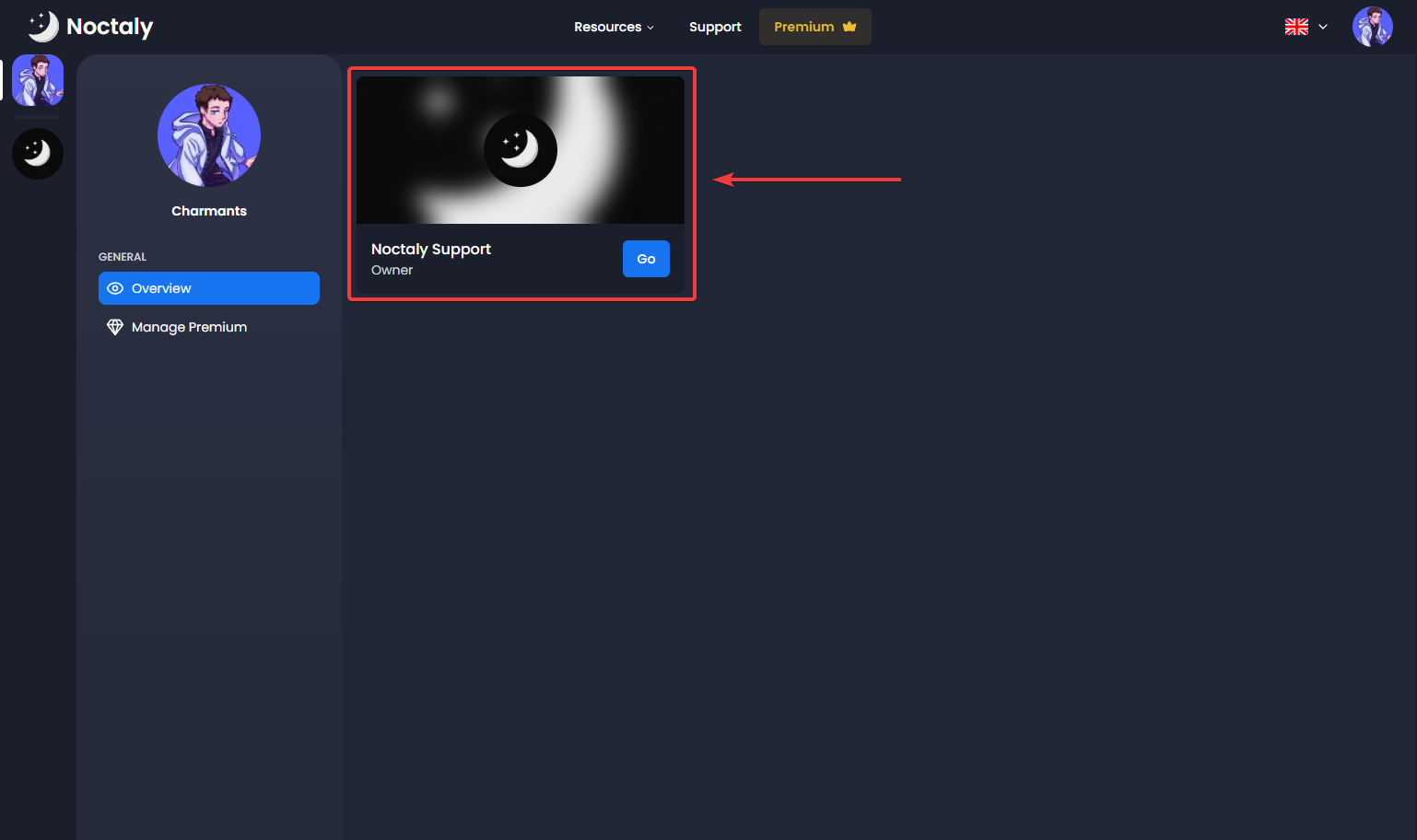
- Select the server you want to set up Sticky Messages in.
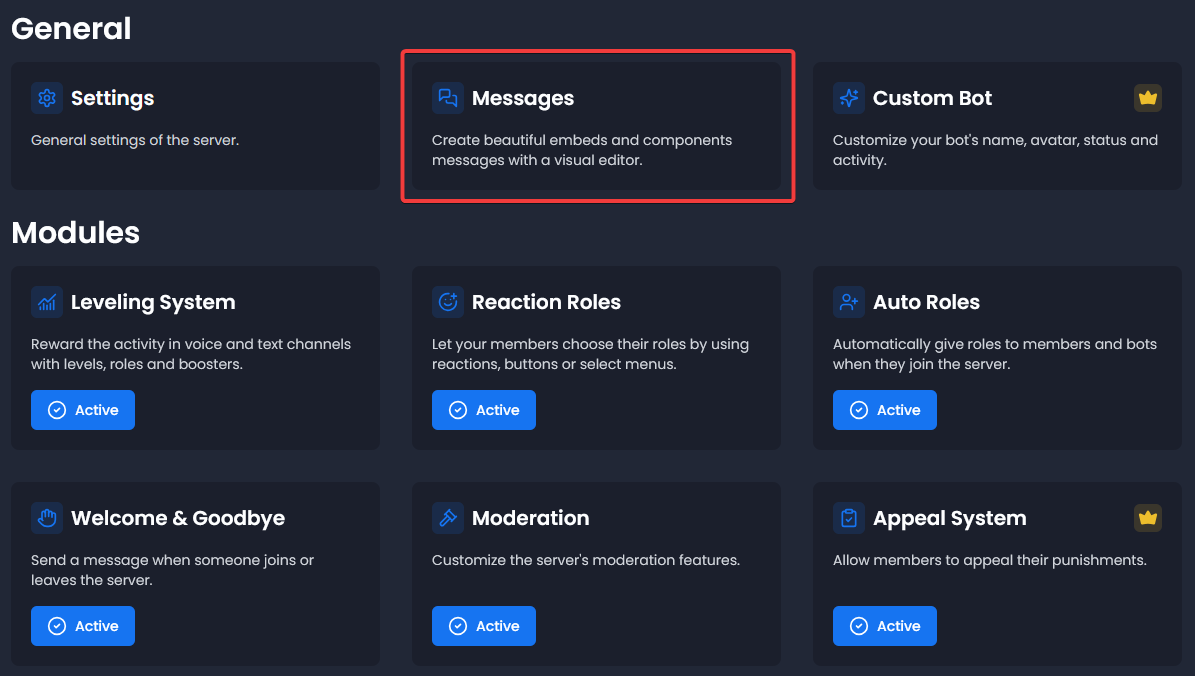
- Select the Messages module.
Create the Message
- Click on Create a Message.
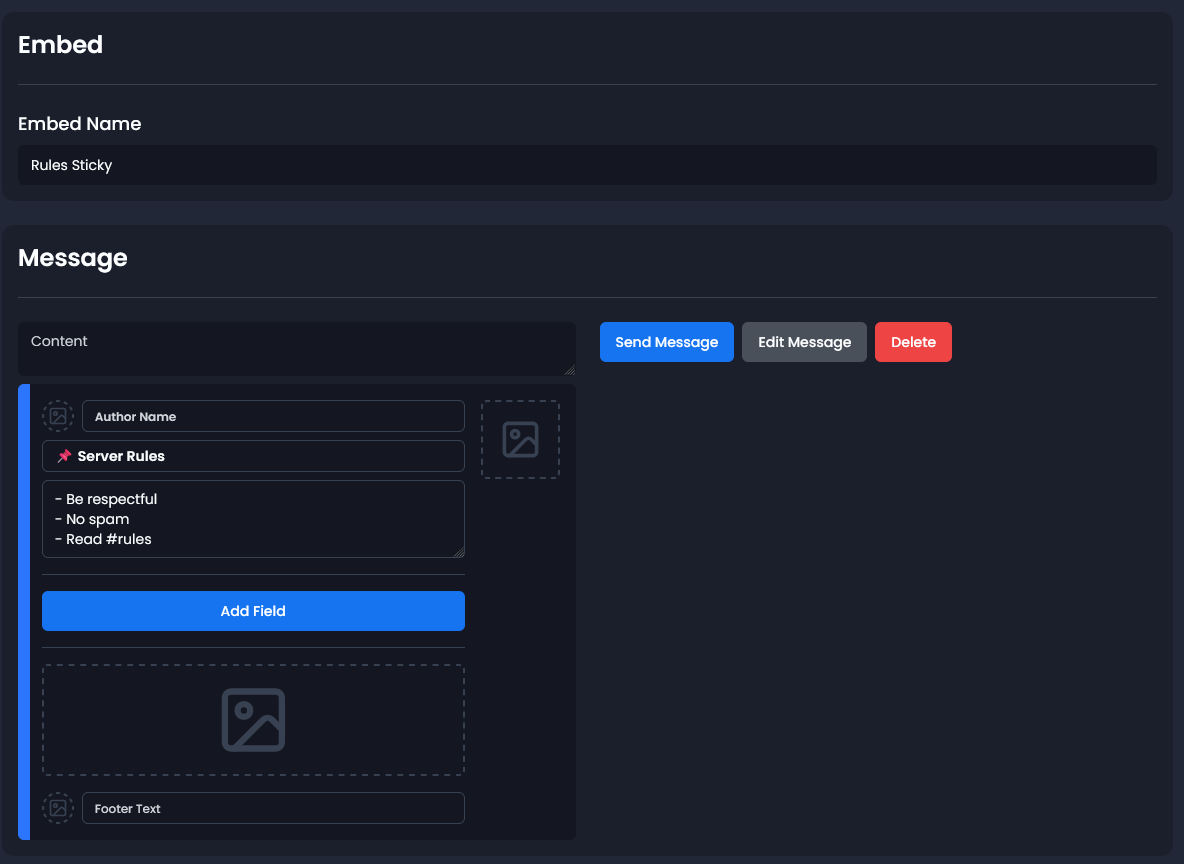
- You can choose between a Component or Embed message. The component is more advanced, while the embed is easier to configure.
- Name: You can give a name to your message to find it more easily if you have more than one.
- Fill the message as you like!
Example:
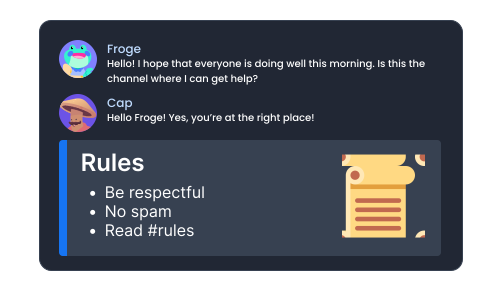
📌 Server Rules
- Be respectful
- No spam
- Read #rules
Set Up Sticky Message
- Select the Sticky Messages module
- Click on Create Sticky Messagre
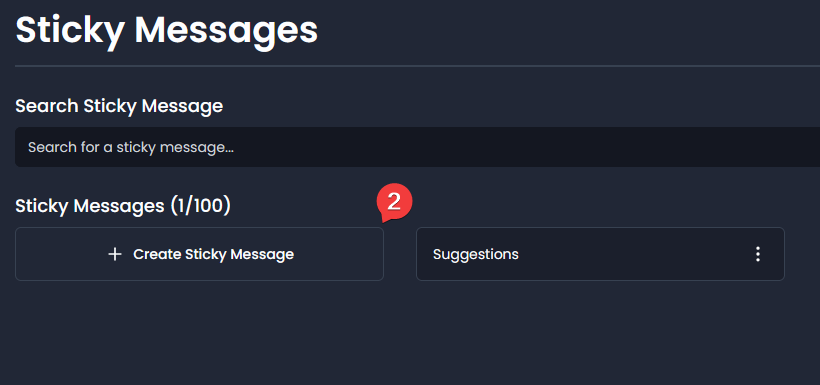
- Name: You can give it a name
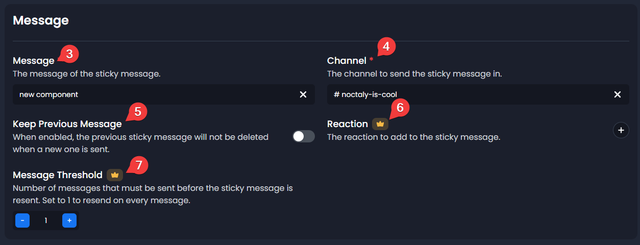
- Message: Select the message you created
- Channel: Select the channel where the message will be sent
- Reaction: You can set a reaction to be added under the message
- Message Threshold: Number of messages required before the sticky message is resent
- Keep Previous Message: Prevents deletion of the previous sticky message when a new one is sent
Troubleshooting
Message not showing?
- Verify that the correct channel is selected
- Confirm Noctaly has Send Messages and Embed Links permissions in the channel