How to Set Up Repeat Messages on Discord
Last update: June 9, 2026
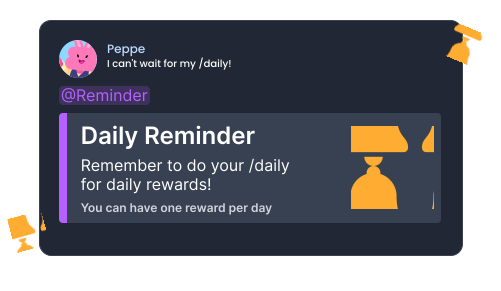
Add Noctaly to Your Discord Server
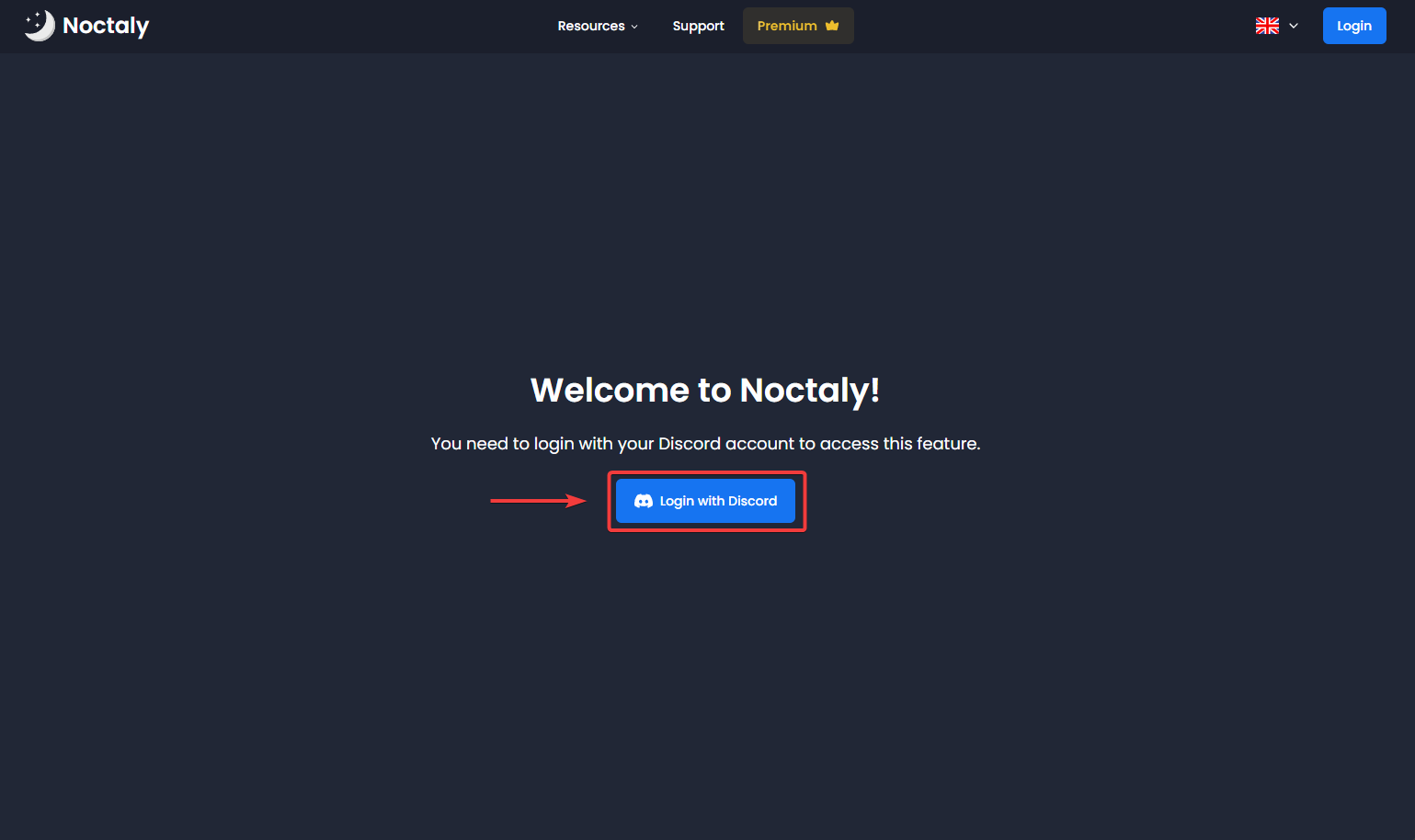
- Go to the Dashboard , and login to your Discord account, if needed.
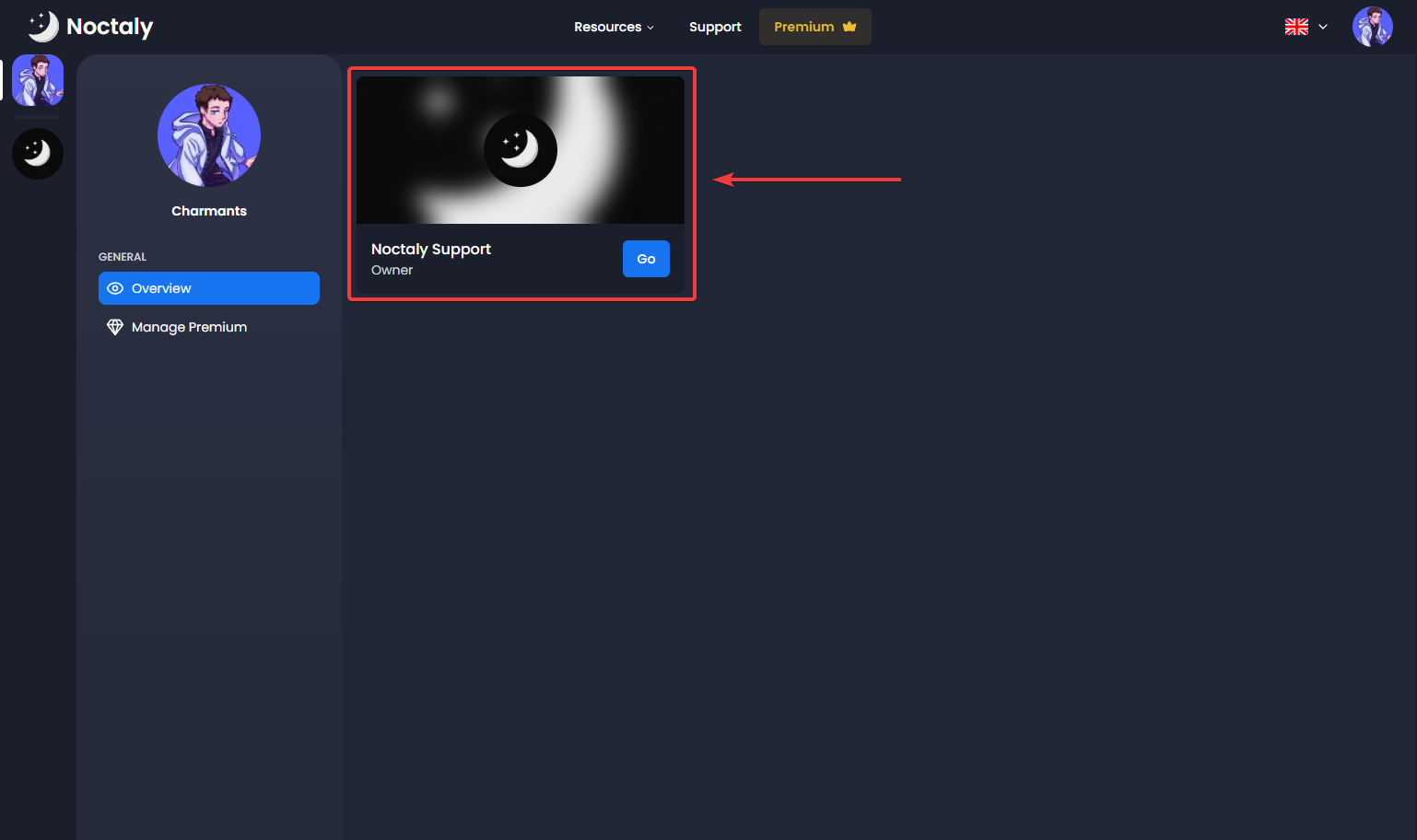
- Select the server you want to set up Repeat Messages in.
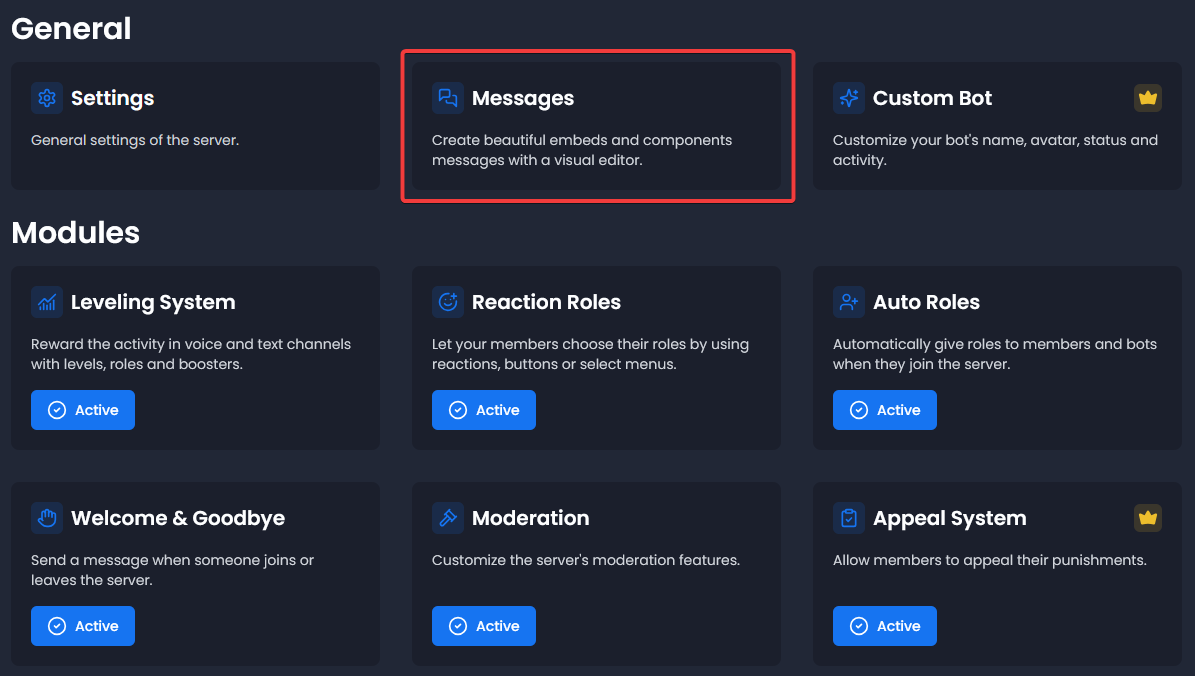
- Select the Messages module.
Create the Message
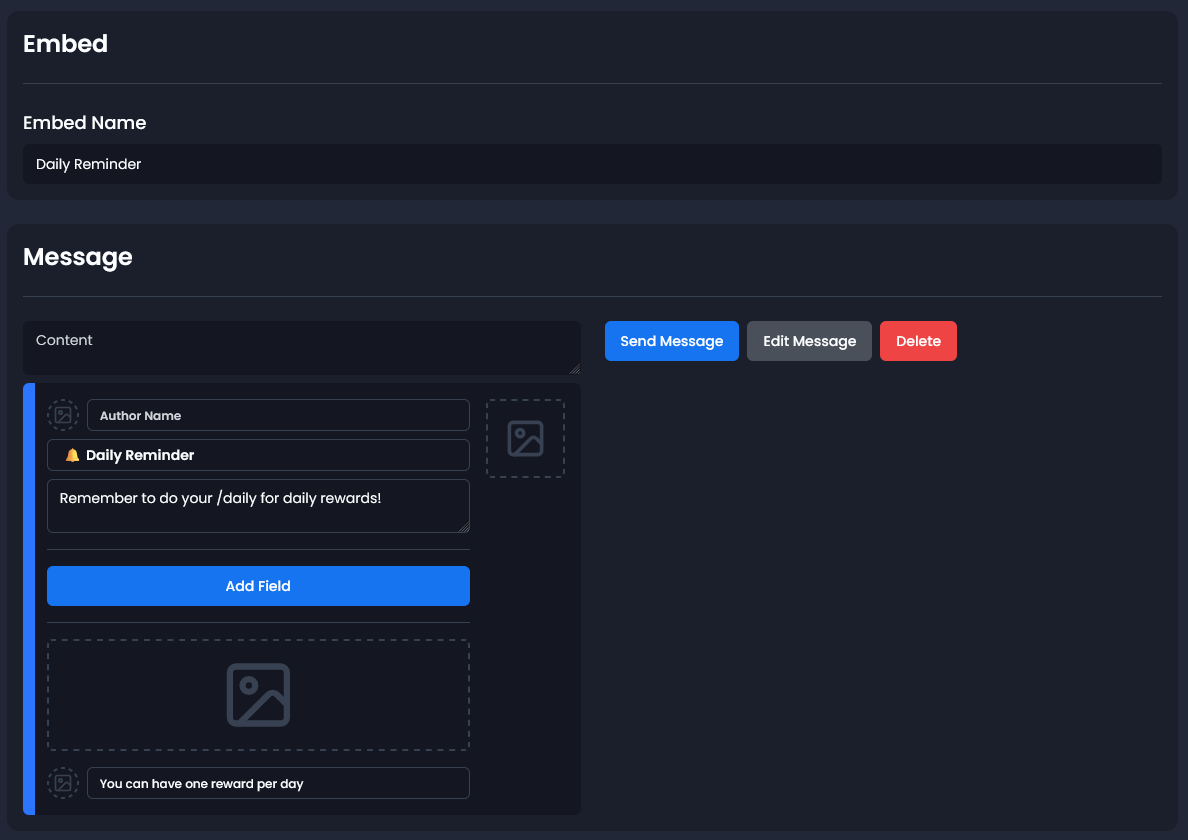
- Click on Create a Message.
- You can choose between a Component or Embed message. The component is more advanced, while the embed is easier to configure.
- Name: You can give a name to your message to find it more easily if you have more than one.
- Fill the message as you like!
Set Up Repeat Message
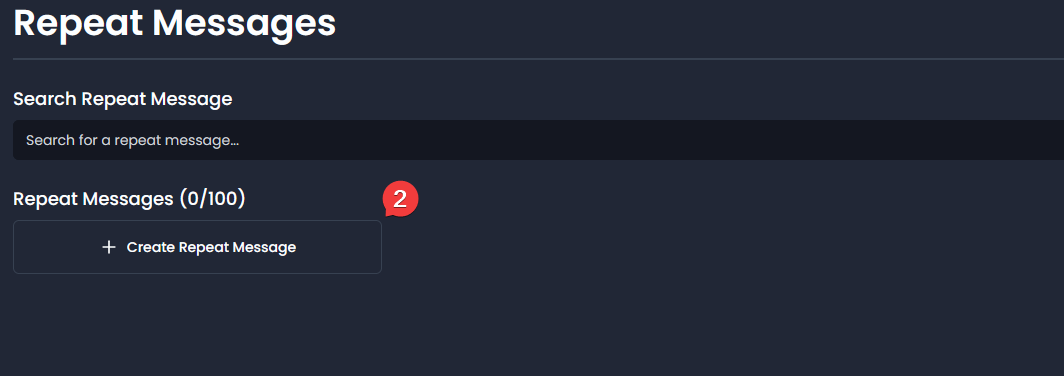
- Select the Repeat Messages module
- Click on Create Repeat Message
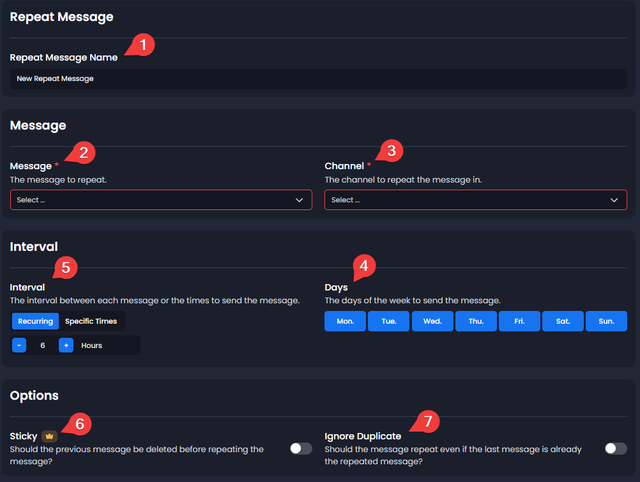
- Name: You can give it a name
- Message: Select the message you created
- Channel: Select the channel where the message will be sent
- Days: The days that the repeat message will be sent. If it's blue, the day is enabled
- Interval: You can choose between:
- Recurring: Select the interval in hours to repeat the message
- Specific Times: Select the exact hours at which the message will be sent
- Sticky: You can enable this option to delete the previous message before repeating
- Ignore Duplicate: You can enable this option to repeat the message even if the last message is already the repeated message
Timezone
Messages are sent according to the time zone selected in the settings.
You need to set a timezone in Settings > Bot Time Zone.

Troubleshooting
Message not showing?
- Verify that the correct channel is selected
- Confirm Noctaly has the Send Messages and Embed Links permissions in the channel
- Verify that the interval / specific times and days options are correct
- Make sure the bot timezone is set