Noctaly Discord-vejledninger
Lær hvordan du bygger den bedste Discord-server til dit community med Noctalys vejledninger.
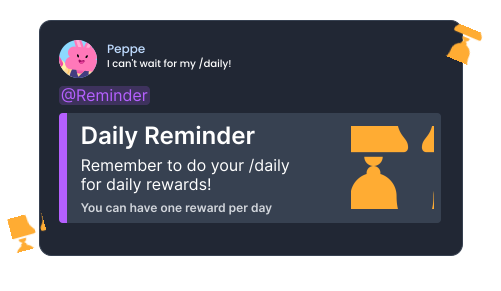
How to Set Up Repeat Messages on Discord
Repeat messages can be used to regularly remind members to perform a task, such as voting or completing a daily reward. They can also be used to remind members of important information about the server.
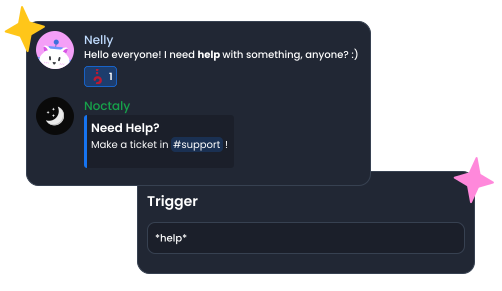
How to Make an Auto Responder on Discord
Learn with the Discord bot Noctaly how to respond automatically to a message with triggers. It can be helpful to make custom commands, remind people to ask questions in a channel and answer questions automatically.
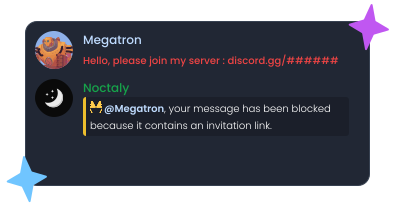
How to Set Up an AutoMod on Discord
Learn with the Discord bot Noctaly how to set up an auto mod to moderate your community automatically. Having an auto-moderator is essential to keep your community safe from spamming, links, Discord invites and mass mentioning. With the automod, messages are stopped before they're sent to avoid anyone seeing them.
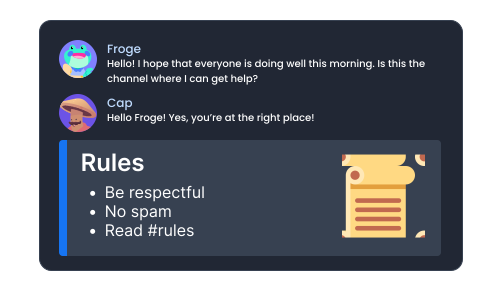
How to Set Up Sticky Messages on Discord
Sticky messages are used to keep a message at the bottom of a channel. It can be used to remind about rules in a channel, or show the booster perks so they're always visible.
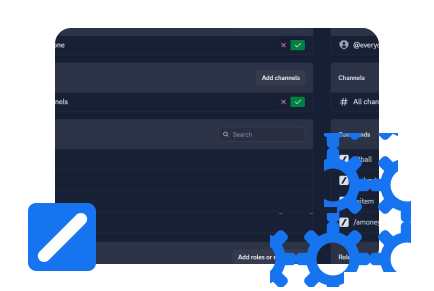
How to Configure Command Permissions on Discord
Learn how to configure the permissions of slash commands on Discord with Noctaly. Discord offers settings to configure the slash commands of any bot, but the way to proceed is not always clear.
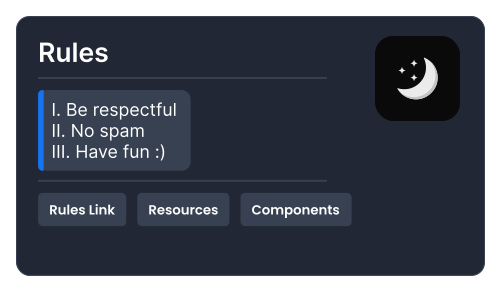
How to Create Components V2 Messages on Discord
Learn with the Discord bot Noctaly how to create messages with the new components V2 messages of Discord. These messages can be used to inform your members of important information about the server, and can be used in several Noctaly modules.
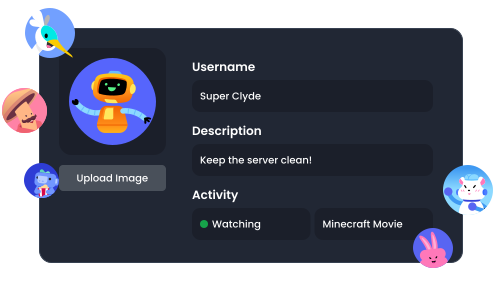
How to Set Up your Noctaly Custom Bot
Learn how to set up a Noctaly Custom Bot to make your server unique. Customize your bot's name, avatar, status and activity with a custom version of Noctaly.
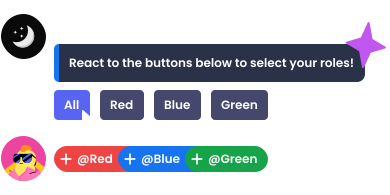
How to Make a Reaction Roles on Discord
Learn with the Discord bot Noctaly how to give your members a choice of roles to add to their profile. You can let them choose their username color, notifications, and more.
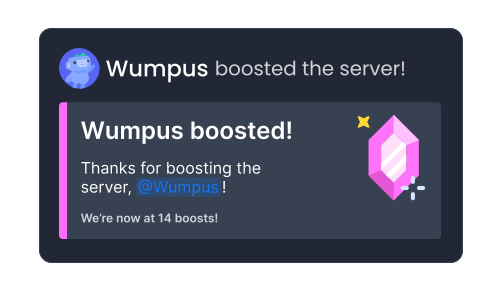
How to Set Up Custom Boost Messages on Discord
Boost messages are important to notify of new boosts and reward the members who help the server. Learn how to set them up with the bot Noctaly.
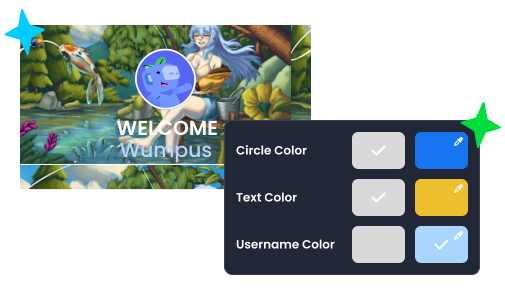
How to Set Up Welcome and Goodbye Messages on Discord
Learn how to setup a welcome and goodbye message with the Noctaly bot. The welcome message is one of the most important features of a good server for members to feel welcome. The welcome message is a good opportunity to explain the core features of the server and try to make new members send their first messages.
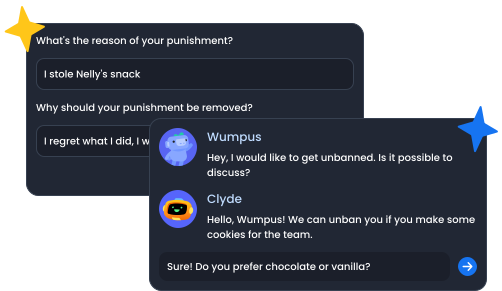
How to Set Up a Ban Appeal System on Discord
Learn with the Discord bot Noctaly how to let your members appeal their punishments by filling a form with customizable questions and options. Having an Appeal System is crucial for any Discord server that do moderation.